Write prompts on purpose.
A practical, written course on describing images and shots so that AI models give you what you meant. It is being written now and is not available to buy yet. Until then, the first lesson and the prompt builder on this page are free.
The anatomy of a visual prompt.
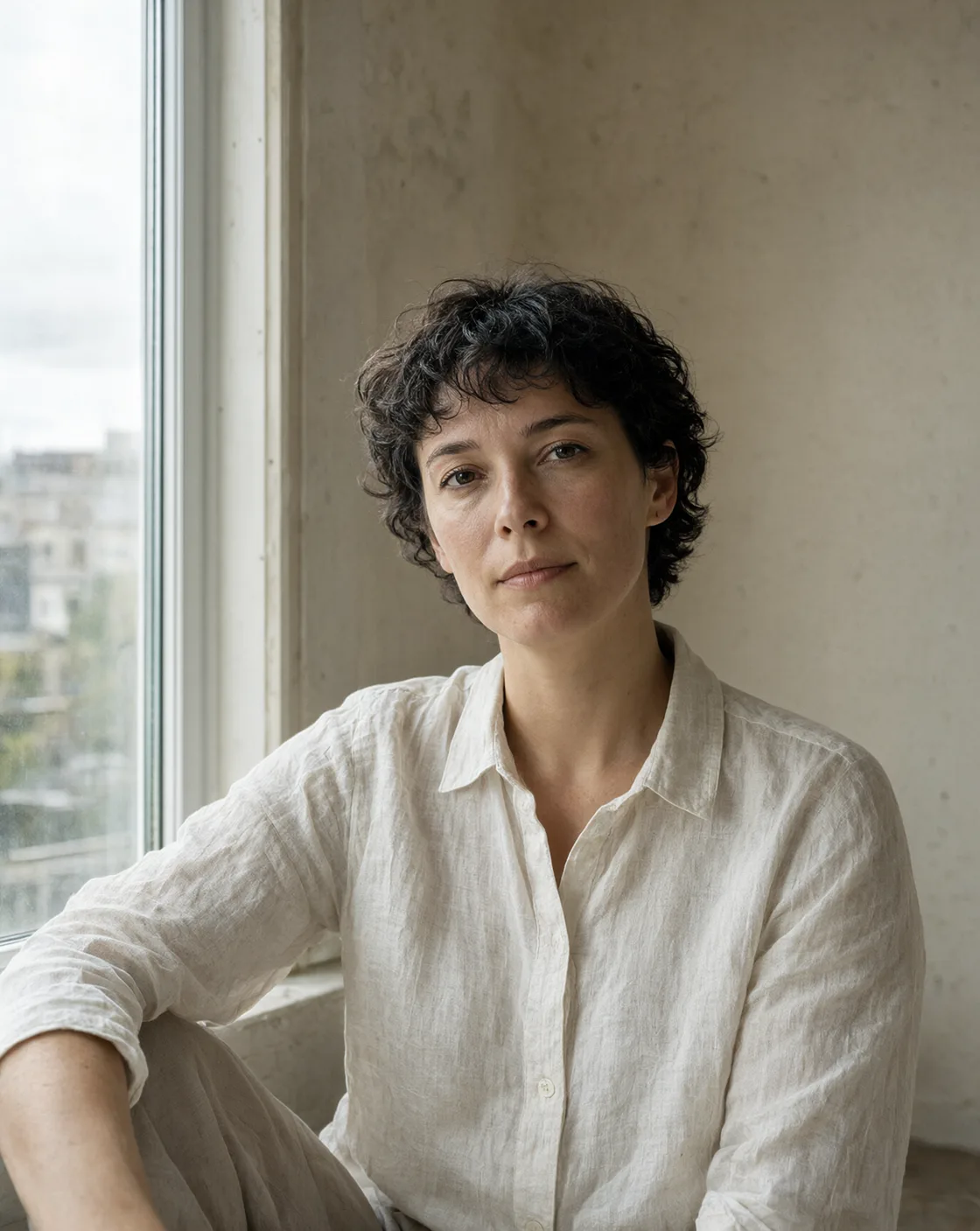
A strong image prompt does six jobs. Point at any part of this real prompt from Still Frames to see which job it is doing.
Light
Give the source, the direction and the quality. “Soft overcast daylight from the left” tells the model where shadows fall. “Beautiful lighting” tells it nothing.
What to take from it
- Lead with the medium. It frames everything that follows.
- Give the subject two or three concrete details, not ten.
- Describe light by source, direction, and quality.
- Name a lens look instead of asking for “high quality”.
- End with mood and finish: expression, texture, grain.
- Change one part at a time when you iterate.
Four words against a structure.
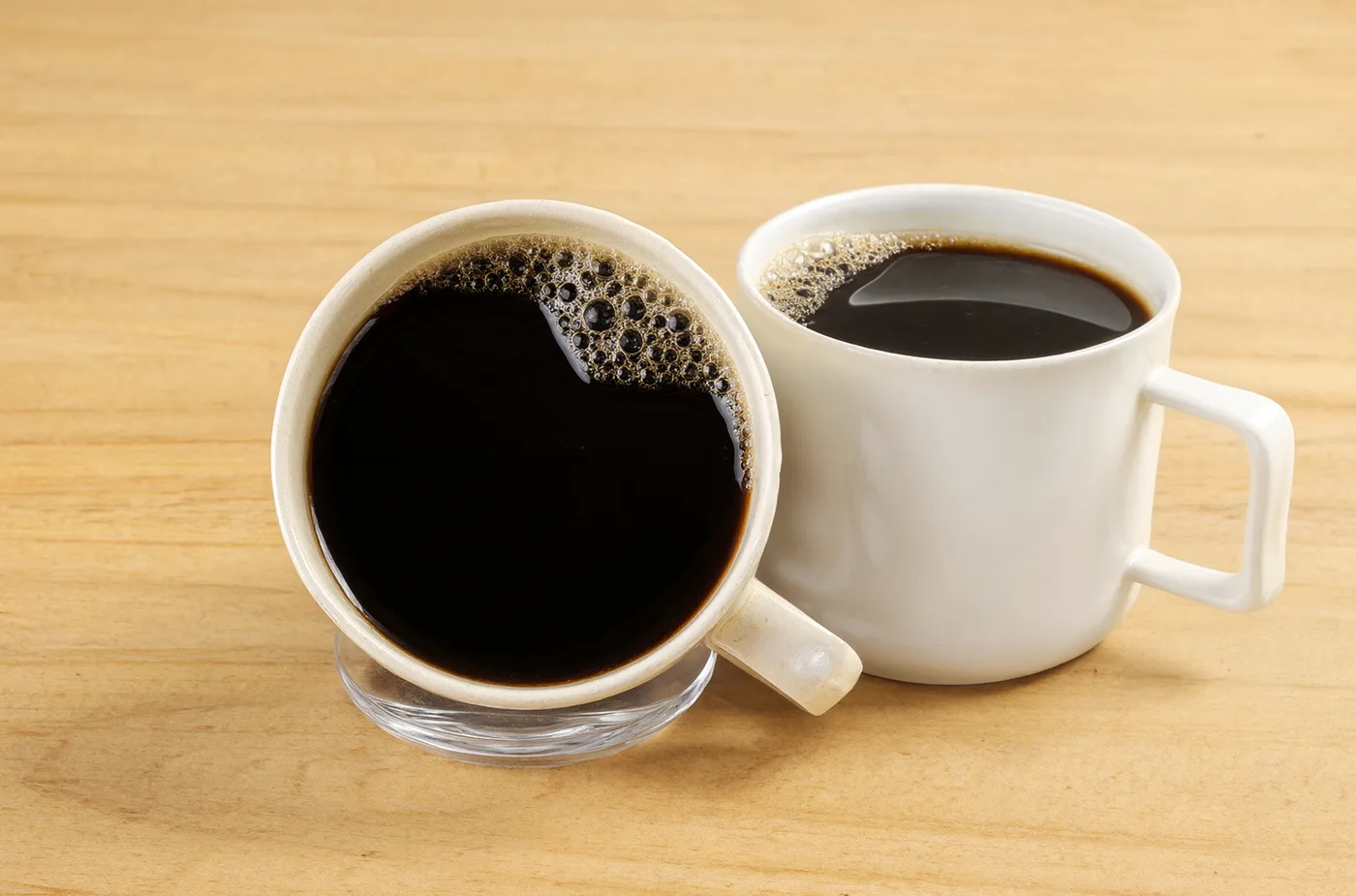
Both images were generated with the same tool and settings. Only the prompt changed. Drag the handle.
Left · 4 wordsa cup of coffee
Right · structuredLifestyle photograph of a white ceramic cup of coffee with latte art on a small round wooden table beside a café window. Soft morning light from the left with long gentle shadows, a folded newspaper and a croissant on a plate slightly out of focus behind the cup, shallow depth of field, 50mm lens look, warm muted colours, calm unhurried mood.
 4-word promptStructured prompt
Now build one yourself.
Use the same six parts. Switch to video to see how the structure changes when something has to move.
The builder runs in your browser and sends nothing to us. It teaches the structure; Still Frames and Motion Frames give you finished compositions with swap lists.
The planned curriculum.
Eight modules, written and illustrated with generated comparisons. This is an outline of work in progress and may change before release.
- Free on this page
The anatomy of a visual prompt
The six parts every strong image prompt contains, and the order that keeps them readable.
- In production
Describing light
Source, direction and quality. Why “soft window light from the left” beats “beautiful lighting”.
- In production
Camera language
Lens looks, angles and depth of field, and what each one changes in the frame.
- In production
Composition and aspect ratio
Writing for 4:5, 3:2, 1:1 and 16:9, and using empty space on purpose.
- In production
Style without artist names
Building a look from medium, materials, era and palette instead of borrowing a name.
- In production
Iterating with one variable
A simple test log that tells you which change actually improved the result.
- In production
From still to motion
Action, a single camera move and sound: the structure of a five-second video prompt.
- In production
Building your own library
Turning your best prompts into reusable templates with swap lists.
Planned format
- Written lessons with worked examples
- Side-by-side comparisons generated for each lesson
- A worksheet per module
- Self-paced, in English
The course is not on sale. There is no pre-order and no payment is taken. The price and release date will be published here when the lessons are finished. It is self-paced written material, not coaching, and comes with no promise of income or results.